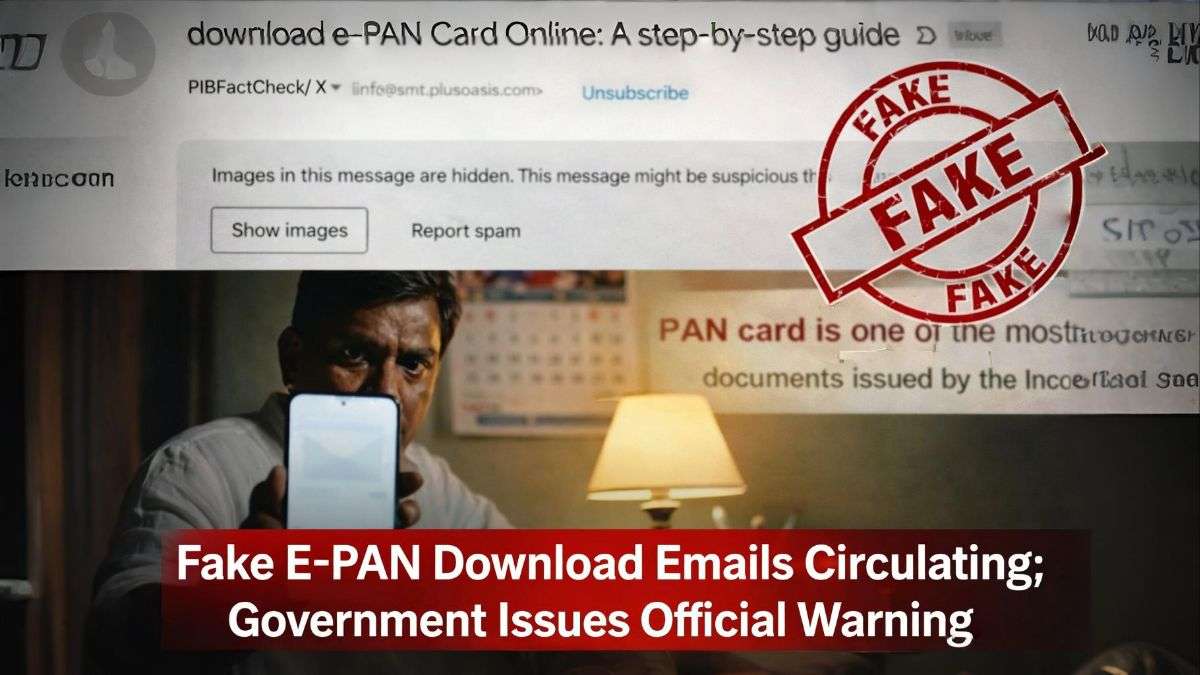
Several social media users and email recipients have reported receiving emails claiming they can download their e-PAN card online through a provided link. These messages are being widely shared and have raised concerns about data security and identity theft.
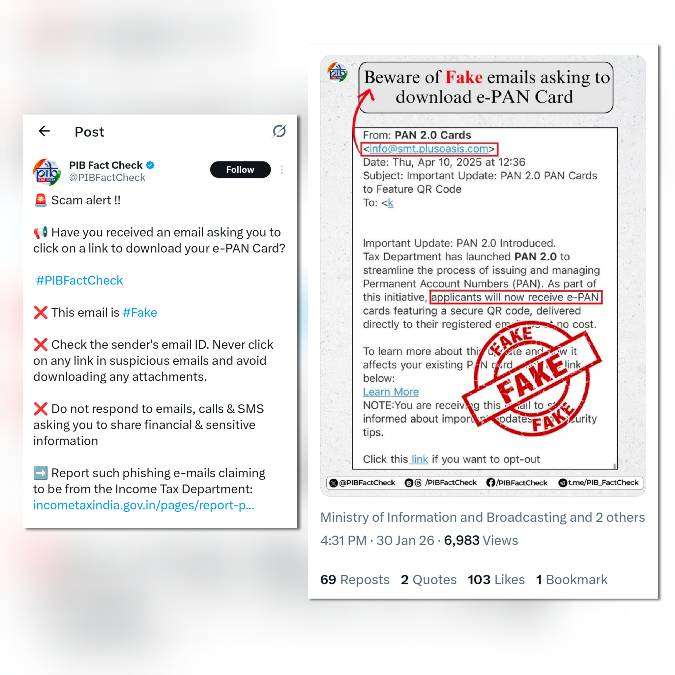
After verification, it has been confirmed that these emails are fake. The clarification has been officially issued by PIB Fact Check, the Government of India’s fact-checking agency, which has warned citizens against clicking on such suspicious links.
What PIB Fact Check Said
PIB Fact Check clarified that:
- The Income Tax Department does not send unsolicited emails asking people to download e-PAN cards.
- Emails containing links to “download e-PAN”, “PAN 2.0 update”, or “QR code enabled PAN” are phishing attempts.
- Such messages are designed to steal personal and financial information, including PAN, Aadhaar, OTPs, and bank details.
How the Fake E-PAN Scam Works
- Emails appear to be from official-looking sources but use non-government domains
- They urge users to click links citing “important updates”
- Clicking the link may lead to fake websites or malware downloads
- Victims risk identity theft and financial fraud
Official Advisory for Citizens
Authorities have advised citizens to:
Avoid clicking on unknown or suspicious email links
- Never share PAN, Aadhaar, OTP, or banking credentials via email
- Access PAN-related services only through official portals
- Report such emails as spam or phishing
How to Safely Access PAN Services
All PAN-related services are available only through authorized government or approved service-provider websites. The government does not require users to respond to emails for downloading PAN documents.
Fact Check Verdict
Claim: Emails offering e-PAN card downloads are genuine
Verdict: ❌ False
Truth: These emails are fake and part of a phishing scam, as confirmed by PIB Fact Check.
How to Check If an Email or Link Is Fraudulent
With phishing scams like fake e-PAN emails on the rise, users are advised to verify suspicious emails and links before clicking. Several trusted online tools can help detect whether an email ID or URL is unsafe.
Email Fraud Checker (Gmail / Any Email)
✅ QuickEmailVerification
This tool helps users check whether an email address is valid, fake, disposable, or risky.
What it checks:
- Whether the email domain exists
- If the email is disposable or temporary
- Possible spam or scam indicators
Best use case:
✔️ Checking suspicious sender emails claiming to be from government departments, banks, or services like PAN, Aadhaar, KYC, etc.
Important note:
This tool does not read email content—it only verifies the authenticity of the email address.
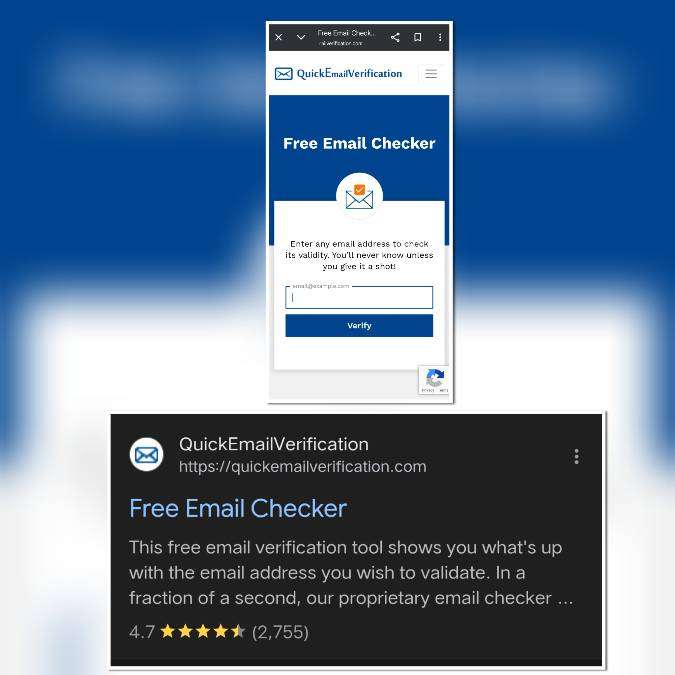
Visit This Website: 🔗 https://quickemailverification.com
Fraud Link / Website Checker (Mobile & Web Links)
✅ IPVanish – Link Checker Tool
This tool allows users to verify whether a website URL is safe or potentially malicious.
What it checks:
- Known phishing or malware activity
- Unsafe or blacklisted URLs
- Suspicious redirections
Best use case:
✔️ Checking links received via email, SMS, WhatsApp, Telegram, or social media claiming:
- “Download e-PAN”
- “PAN 2.0 Update”
- “Urgent KYC Required”
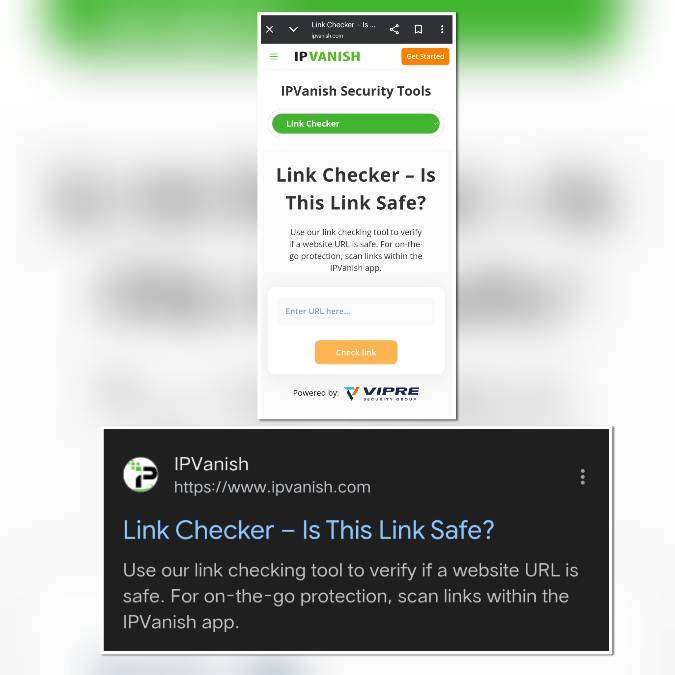
Visit This Website: 🔗 https://www.ipvanish.com
Government Advisory Reminder
- Government departments do not send random download links via email or SMS.
- Always access services through official portals only.
- Never enter PAN, Aadhaar, OTP, or bank details on unknown websites.
Safety Tip (RAAD WORLD Advisory)
If:
❌ Email domain looks unusual
❌ Link shortener or strange URL is used
❌ Message creates urgency or fear
👉 Do not click. Verify first. Delete immediately.
Conclusion:
Email and link verification tools like email checkers and URL safety scanners can help users identify scams early. However, the safest approach remains avoiding unsolicited links and trusting only official government websites.
About The Author