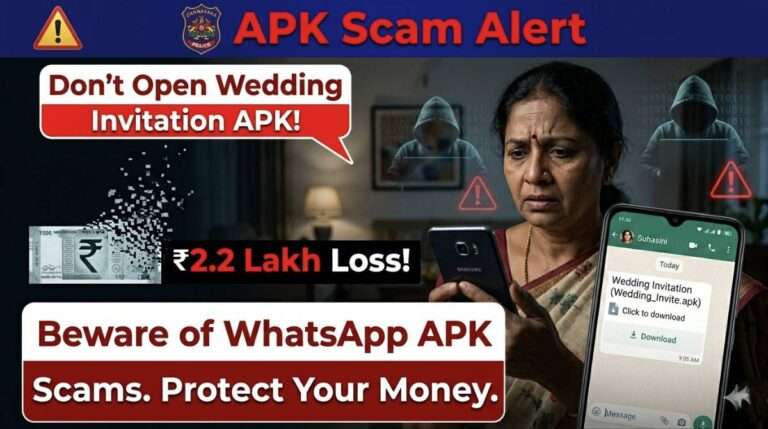
The recent cyber fraud incident in Belagavi has once again highlighted how dangerous unknown APK files can be. In this case, a woman reportedly lost over ₹2 lakh after downloading a fake wedding invitation file sent through WhatsApp. The file appeared harmless but turned out to be malicious software designed to steal sensitive information.
What Happened in the Belagavi Case
According to reports, the victim received a file named similar to a wedding invitation in APK format. Believing it to be genuine, she downloaded and installed the file on her smartphone.
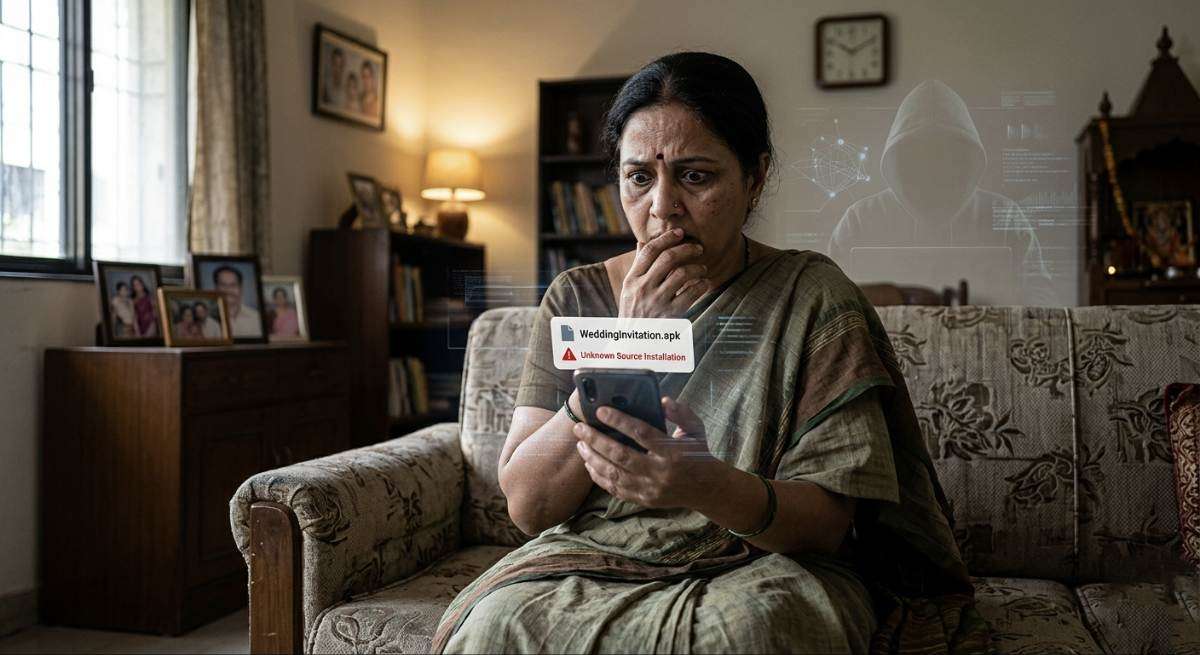
Once installed, the application gained access to her device permissions including SMS, banking apps, and OTP messages. Within a short period, unauthorized transactions were carried out, leading to a financial loss of more than ₹2 lakh.
This incident is not isolated. Cybercriminals across India are increasingly using APK files disguised as invitations, job offers, or important documents to trick users.
How APK Scam Works
The scam follows a simple but effective pattern:
1. A user receives an APK file via WhatsApp or SMS.
2. The file is named attractively, such as “Wedding Card” or “Important Document”.
3. The user installs the APK file manually.
4. Malware gets installed and gains access to sensitive data.
5. Hackers intercept OTPs and perform financial transactions.
Why This Scam is Dangerous
Unlike normal files such as PDFs or images, APK files are actual applications. When installed, they can request permissions like reading SMS, accessing contacts, and controlling device functions. Many users unknowingly grant these permissions, allowing attackers to take control of their financial data.
Practical Solution: How to Protect Yourself
To avoid falling victim to such scams, users must follow strict digital safety practices:
1. Avoid Installing APK Files
Never install APK files received through WhatsApp, Telegram, or unknown links. Always use trusted sources like the Google Play Store.
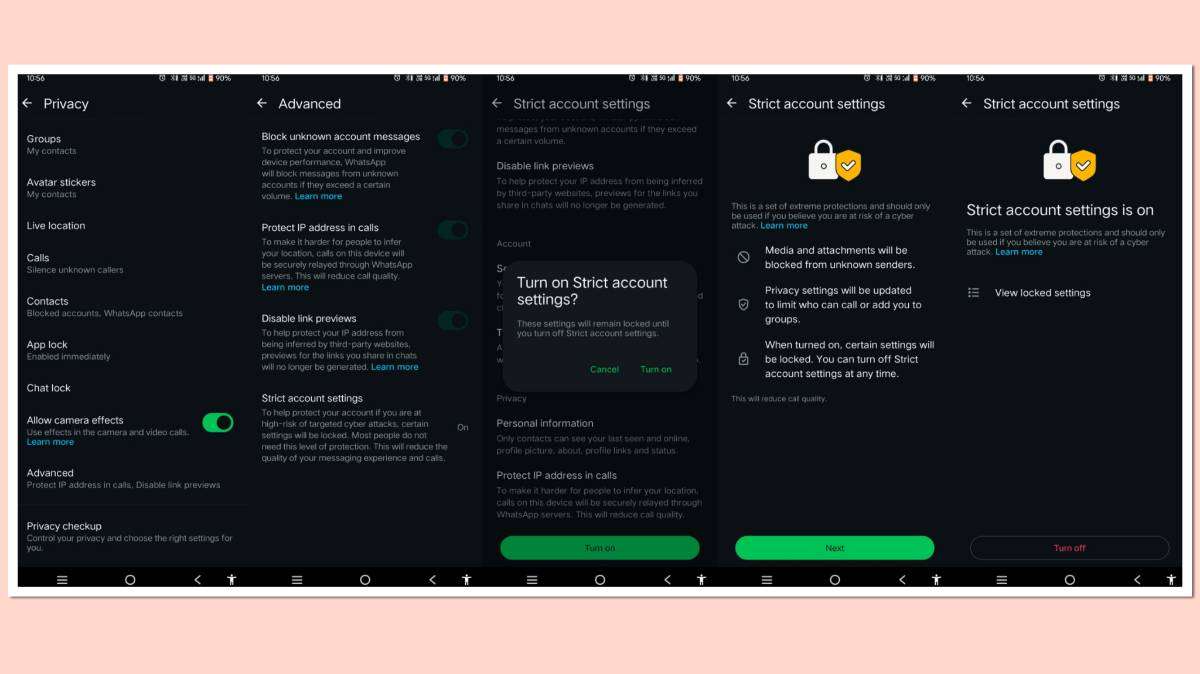
2. Enable WhatsApp Strict Account Settings
This feature blocks suspicious media and restricts unknown files from being downloaded automatically. It adds an extra layer of protection against malware.
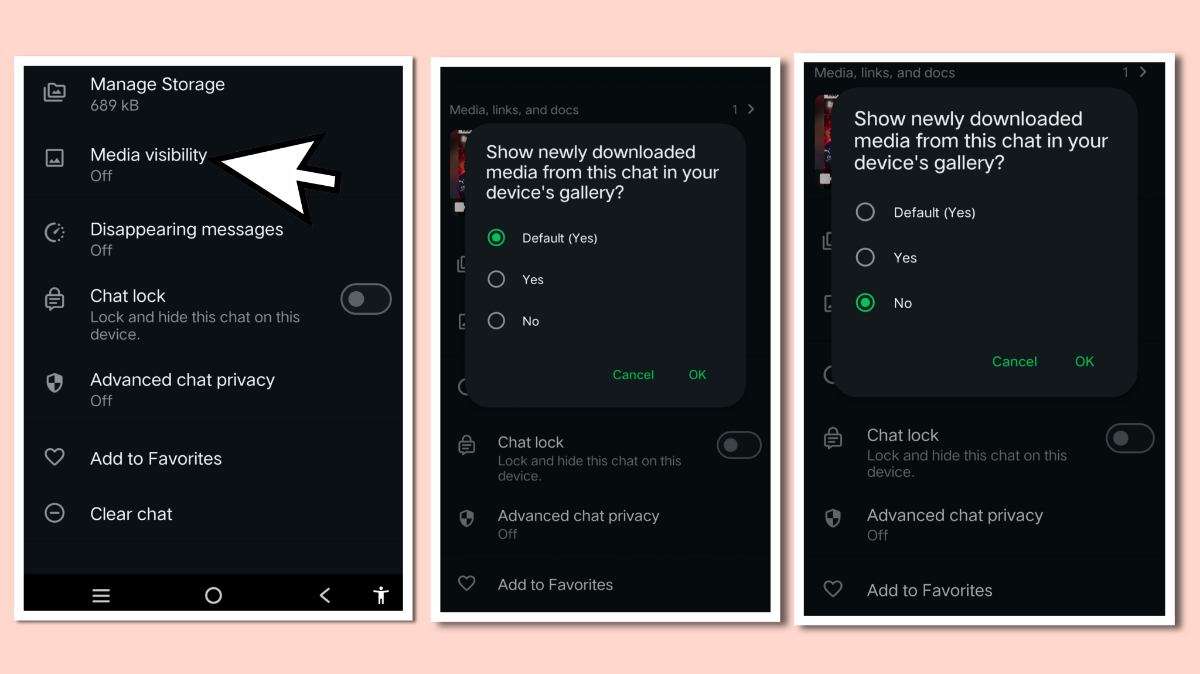
3. Turn Off Media Auto Download
Disable automatic downloads for photos, videos, and documents. This ensures that no file gets saved without your knowledge.
READ THIS: ₹6 Ticket to ₹62,316 Shock: BMTC UPI Payment Mistake That Everyone Should Learn From
4. Verify Before Opening Any File
Even if the file is sent by a known contact, confirm with them before opening. Their account may have been compromised.
5. Check File Format Carefully
Genuine invitations come in PDF, image, or video formats. APK files are never used for such purposes.
6. Use Official Apps Only
Avoid using modified applications like GB WhatsApp or other unofficial versions, as they increase security risks.
What to Do If You Are a Victim
If you have already downloaded or installed a suspicious APK file, take immediate action:
1. Disconnect your internet connection.
2. Uninstall the suspicious application immediately.
3. Inform your bank and block transactions if necessary.
4. Change all passwords including banking and email accounts.
5. Report the incident to the Cyber Crime Helpline (1930) or the official cybercrime portal.
Conclusion
The Belagavi APK scam serves as a strong warning for all smartphone users. Cybercriminals are evolving their methods, and simple mistakes can lead to significant financial losses. By enabling security features like WhatsApp Strict Account Settings and avoiding unknown APK installations, users can protect themselves effectively.
Digital awareness is the strongest defense against cybercrime. Staying alert and cautious can prevent both financial and personal data loss.
About The Author