How to Protect Private Photos and Videos Before Giving Your Phone to a Service Centre
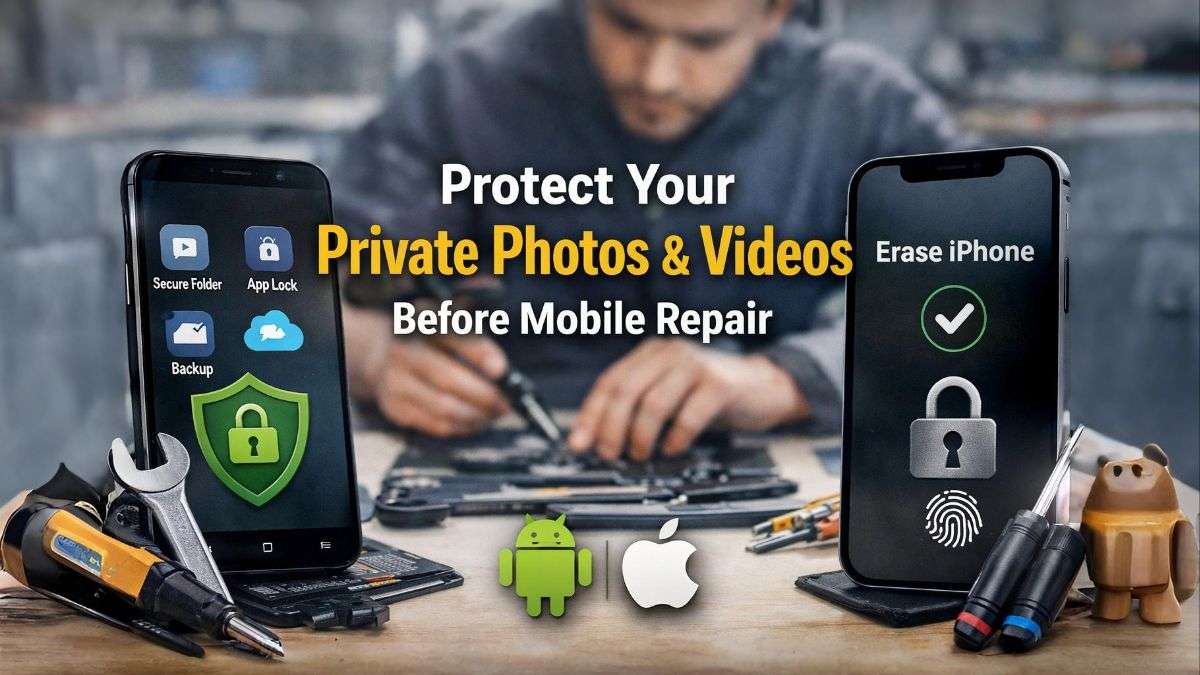
Giving your smartphone to a mobile service centre is common today. Screen damage, battery issues, speaker problems, or software errors often force us to hand over our phones for repair. But one major concern remains the same for everyone: the safety of private photos and videos.
Even if the service centre looks trusted, your personal data is still at risk if proper precautions are not taken. Photos, videos, documents, and chats stored on your phone can be accessed if security settings are weak. This article explains accurate, practical, and safe methods to protect your private data on both Android and iPhone, before giving your phone for repair.
Why Data Privacy Matters During Mobile Repair
A smartphone is not just a device; it carries personal memories, private moments, financial apps, and sensitive information. During repair, technicians may need to restart the phone or access basic settings. If your data is not protected, there is a chance of misuse or accidental exposure.
Protecting your privacy is not about distrusting everyone. It is about taking responsibility for your own data.
How Android Users Can Protect Private Photos and Videos
1. Take a Complete Backup First
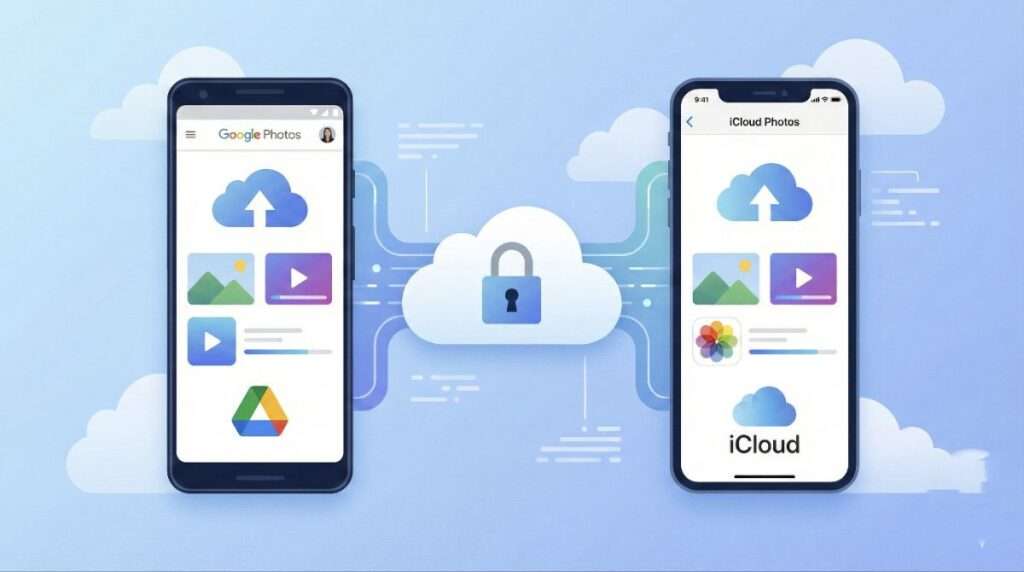
Before doing anything else, make sure your data is backed up.
- Turn on Google Drive backup for contacts, messages, and settings
- Enable Google Photos backup for images and videos
- Confirm that the backup is completed successfully
This ensures that even if data is deleted, nothing is permanently lost.
2. Hide Private Photos and Videos
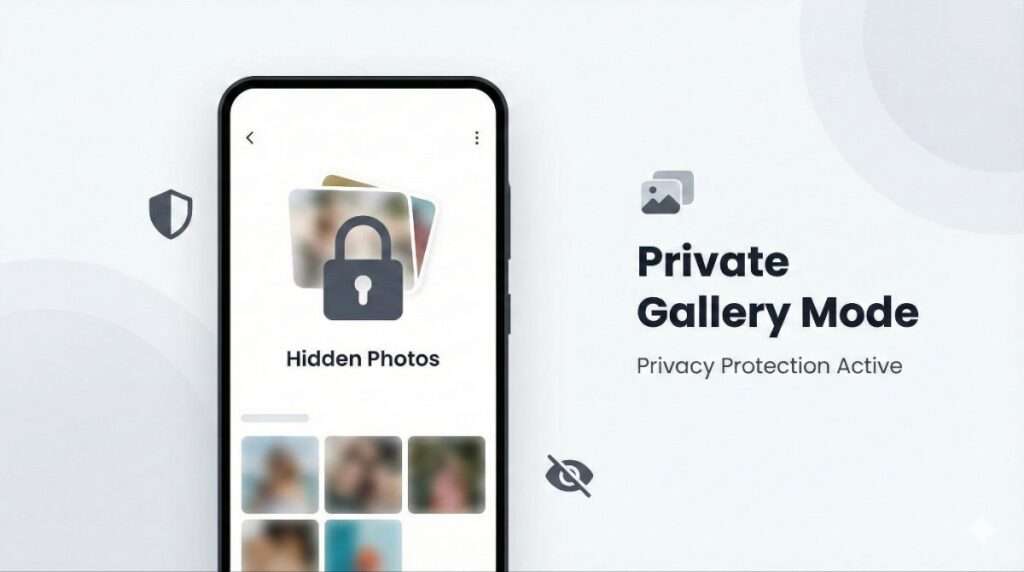
Most Android phones offer built-in options to hide private files.
- Use Secure Folder if available
- Use Gallery hide or private mode options
- Move sensitive photos and videos into the secure area
Hidden files will not appear in the normal gallery view.
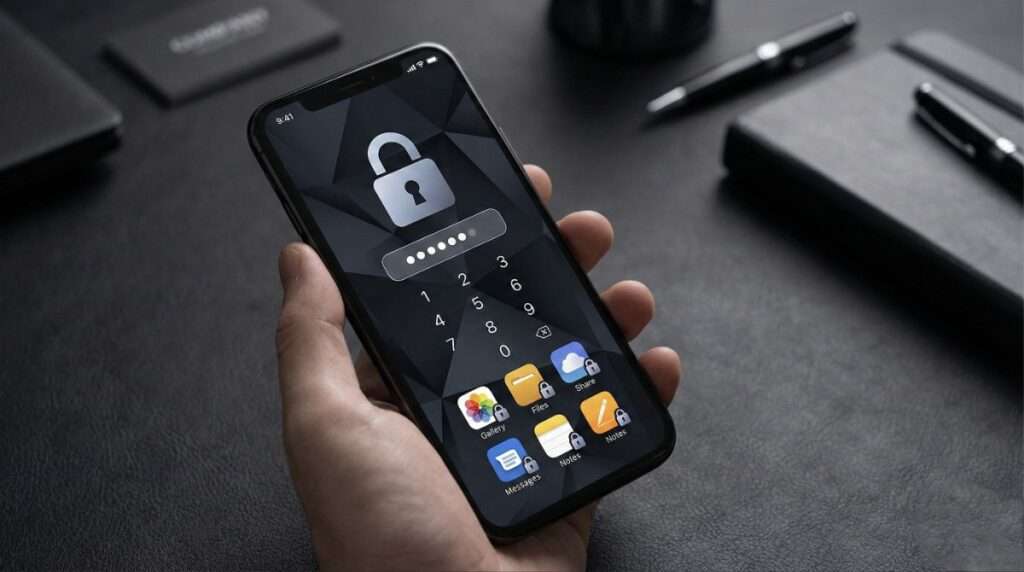
3. Enable Strong Lock and App Lock
- Set a strong PIN or password instead of simple patterns
- Enable App Lock for Gallery, File Manager, and messaging apps
- Disable fingerprint or face unlock during the repair period
This adds an extra layer of protection.
4. Safest Option: Factory Reset
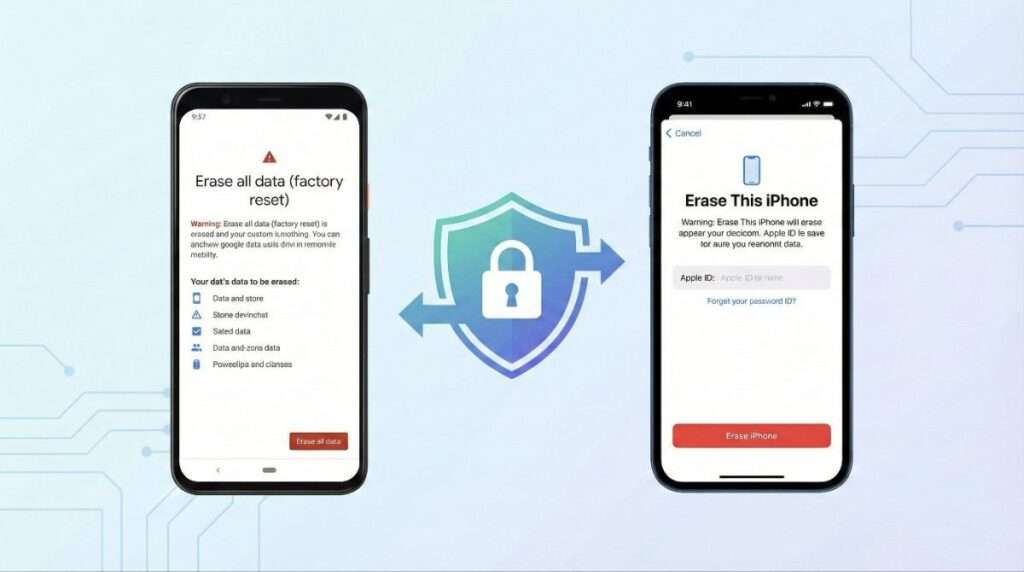
If the repair does not require your data, this is the most secure method.
- Confirm that backup is complete
- Perform a factory data reset
- Give the phone without any personal data
After repair, you can restore everything from your backup.
How iPhone Users Can Protect Private Photos and Videos
1. Backup Using iCloud
- Turn on iCloud Backup from settings
- Make sure photos, videos, and app data are synced
- Check backup completion before proceeding
This step is essential before any major action.
2. Use Hidden Album with Face ID
- Hide selected photos and videos
- Enable Face ID protection for the Hidden Album
- Keep the album invisible without authentication
This prevents casual access to private media.
3. Use a Strong Passcode
- Switch from a 4-digit to a 6-digit passcode
- Disable Face ID or Touch ID temporarily
- Never share your passcode with service staff
A strong passcode significantly reduces risk.
4. Best Protection: Erase All Content and Settings
For complete peace of mind:
- Backup your iPhone
- Use the erase option to remove all data
- Restore data after repair is completed
This method ensures zero access to your private content.
Important Service Centre Safety Tips (For All Users)
- Never share your phone password or PIN
- Do not allow technicians to browse your gallery
- Always collect the job card or service receipt
- If data loss responsibility is mentioned, read it carefully
- Prefer authorized service centres whenever possible
Final Recommendation
If privacy matters to you, backup and factory reset is the safest solution for both Android and iPhone users. Hiding files and using app locks are helpful, but they are not as secure as removing data completely before repair. Your phone can be repaired, but leaked personal data cannot be taken back.
READ THIS: Artificial Intelligence
Conclusion:
Protecting private photos and videos is not complicated, but it requires awareness. With the right steps, you can confidently give your phone to a service centre without worrying about your personal data. Whether you use Android or iPhone, data safety should always come first.
Stay Smart. Stay Secure.
About The Author