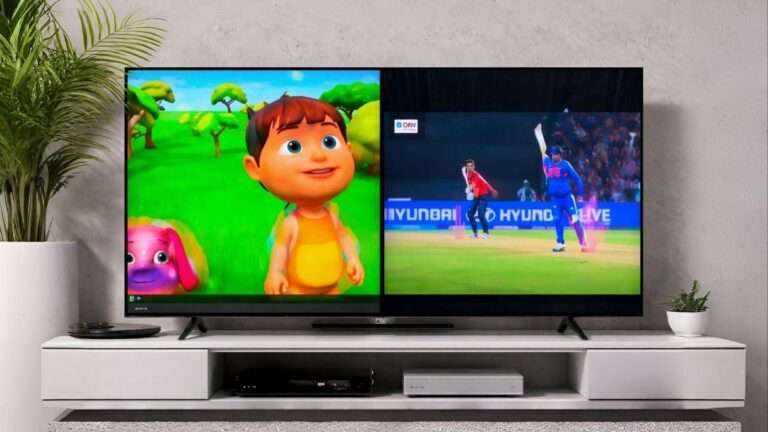
How to Watch Two Channels on One TV Screen Split Screen Technology Explained
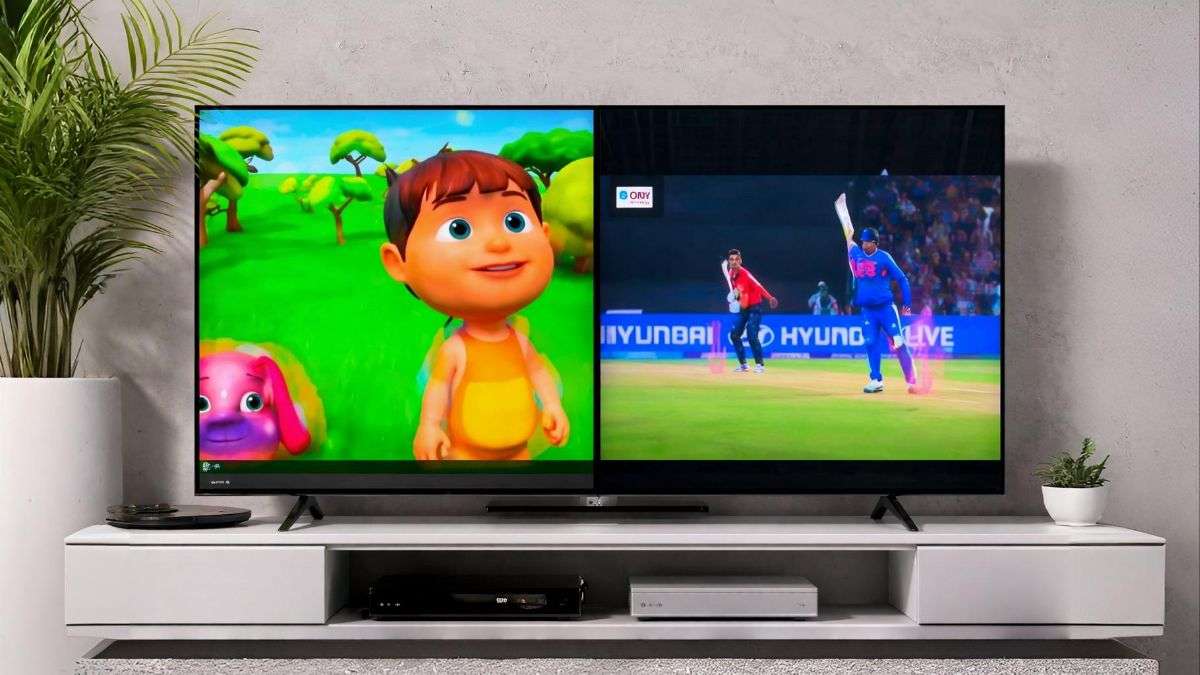
With the rapid development of smart television technology, viewers are no longer limited to watching only one program at a time. Modern TVs now offer Split Screen or Multi View features, allowing users to watch two different videos or channels simultaneously on the same screen.
This feature has become increasingly popular among families. For example, while one person watches a live cricket match, a child can enjoy cartoons or YouTube videos on the same TV without conflict.
What Is Split Screen or Multi View on TV?
Split Screen technology allows a television to divide the display into two or more sections, each showing content from different sources.
Common names for this feature include:
- Multi View
- Split Screen
- Picture-in-Picture (PIP)
- Picture-by-Picture (PBP)
Using this feature, viewers can watch:
- Two TV channels
- One TV channel and a streaming app
- A YouTube video and a sports broadcast
- Content from a laptop alongside live TV
TVs That Support Split Screen Technology
Not every television supports this feature. It usually depends on the brand and model of the smart TV.
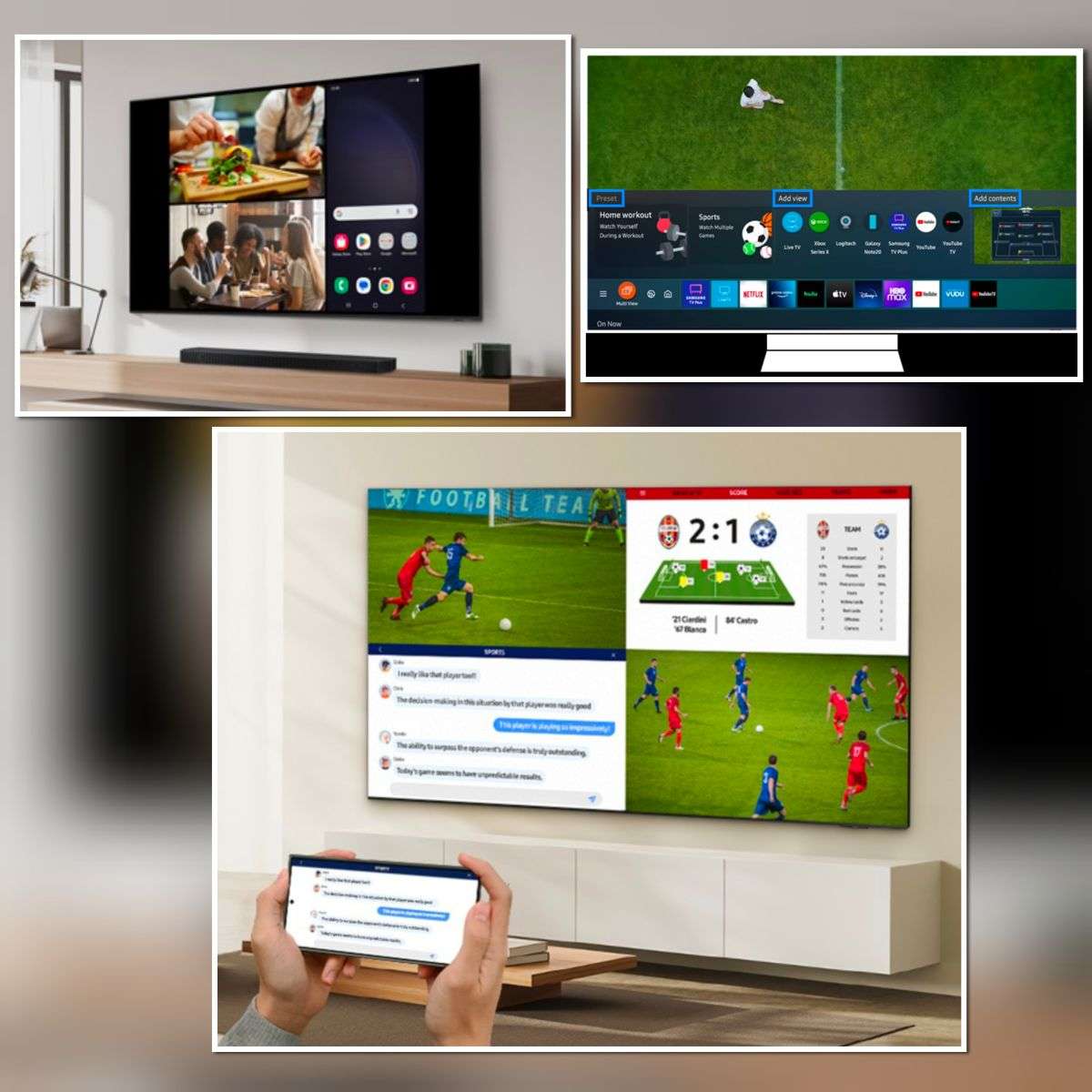
Samsung Smart TVs
Samsung offers a feature called Multi View, which allows users to display multiple sources on one screen. Users can combine:
Mobile screen mirroring
- YouTube videos
- TV channels
- HDMI inputs
- LG Smart TVs
Some LG models provide Split Screen or PIP options, enabling viewers to watch two sources simultaneously.
Sony and Android TVs
Certain Android TVs support Picture-in-Picture (PIP) mode. However, this usually works with apps rather than two live TV channels.
Alternative Methods to Watch Two Videos on One TV
1. Connecting a Laptop to the TV
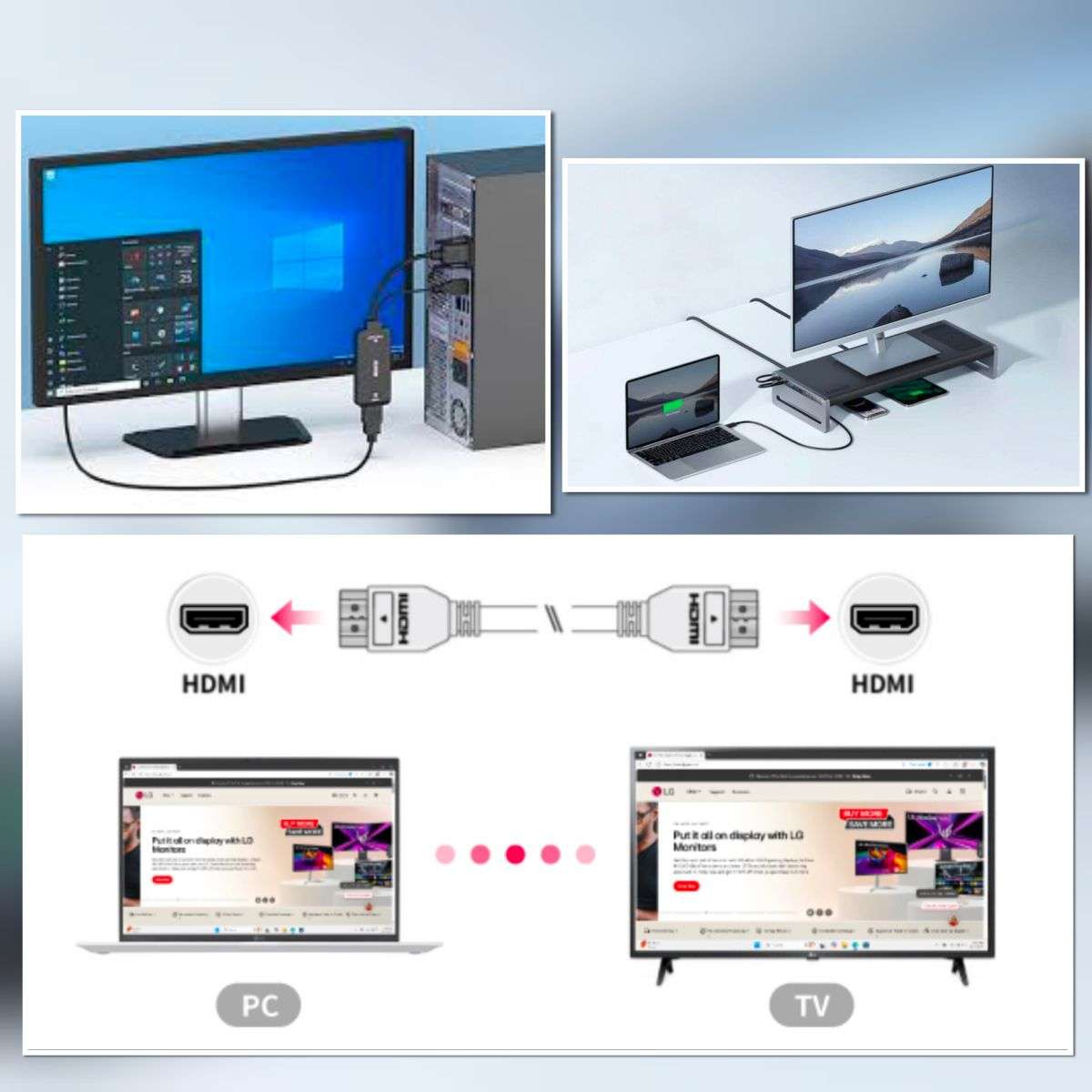
One of the easiest methods is using a laptop connected to the TV via an HDMI cable.
Steps:
- Connect the laptop to the TV using HDMI.
- Open two browser windows.
- Place the videos side-by-side on the screen.
- In this setup, the TV acts as a large external monitor.
2. Using an HDMI Multiviewer Device
Another solution is using an HDMI Multiviewer device.
This device allows multiple HDMI inputs (such as a set-top box, laptop, or gaming console) to be displayed on a single screen simultaneously.
Typical features include:
- 2 or 4 input sources
- Split screen display
- Audio selection from one source
- Remote control switching
These devices are commonly used in:
- Security monitoring systems
- Live broadcasting setups
- Multi-camera displays
How Sound Works in Split Screen Mode
When two videos are playing simultaneously, televisions usually allow audio from only one source at a time.
Users can:
- Choose which screen provides audio
- Mute one video
- Switch audio between sources
For example:
- Left screen: Kids cartoon (muted)
- Right screen: Cricket match (sound enabled)
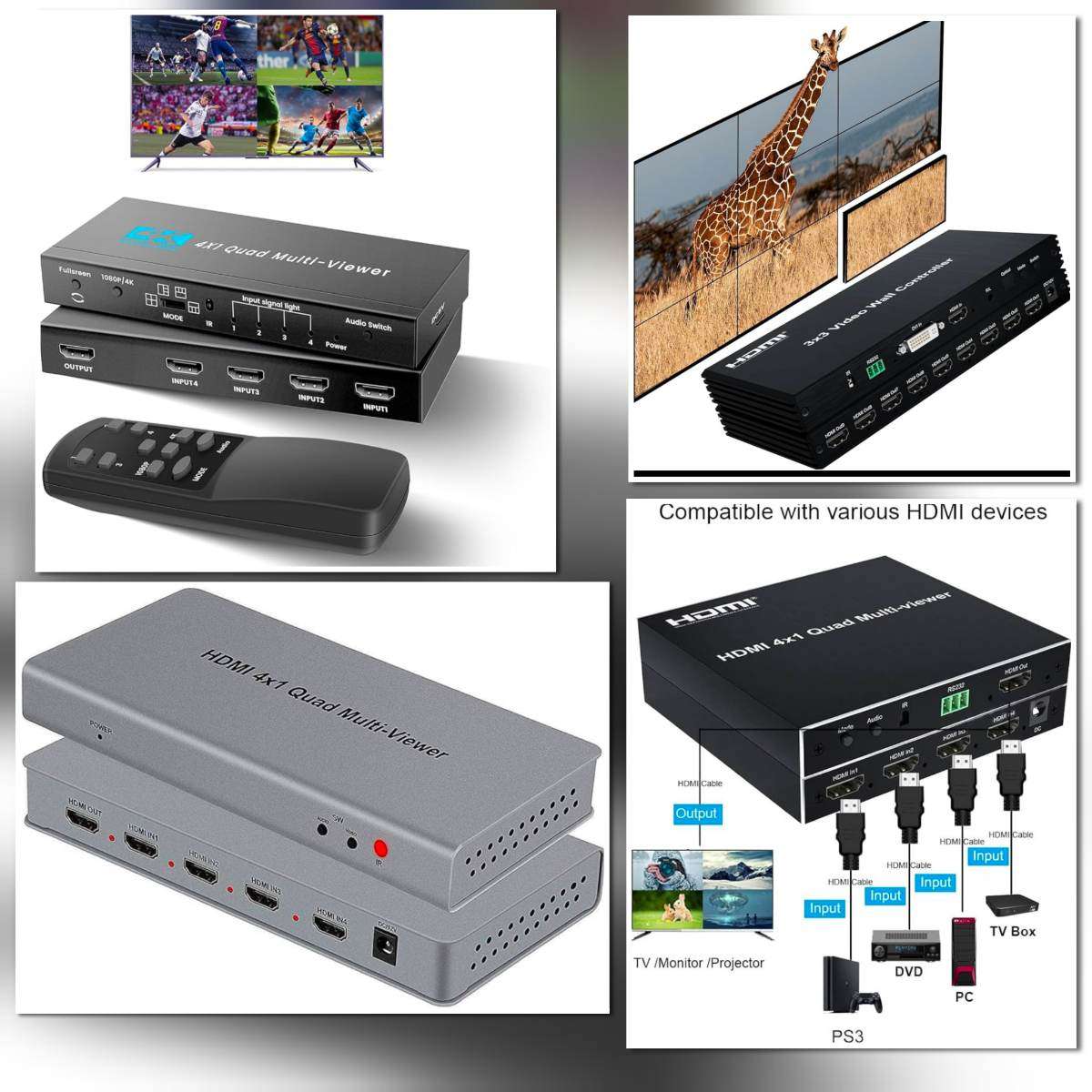 HDMI multiviewer devices can display multiple HDMI inputs on a single TV screen.
Benefits of Split Screen Technology
Split screen viewing offers several advantages:
- Family convenience – different viewers can watch different content simultaneously.
- Multitasking – users can monitor sports, news, or videos at the same time.
- Productivity – useful when connecting a computer for work or presentations.
- Entertainment flexibility – combine streaming apps with live television.
Limitations of the Feature
Despite its advantages, the feature has some limitations:
- Not available on all TV models
- Some TVs only allow app + HDMI combination
- Audio can usually come from only one source
- Requires compatible hardware
Conclusion:
Split screen technology is transforming the television viewing experience by enabling multiple sources to be viewed simultaneously on a single screen. While many modern smart TVs support built-in multi-view features, users can also achieve similar results using laptops or HDMI multiviewer devices.
As smart TV technology continues to evolve, multi-screen viewing will likely become a standard feature in future home entertainment systems, offering greater flexibility and convenience for viewers.
About The Author