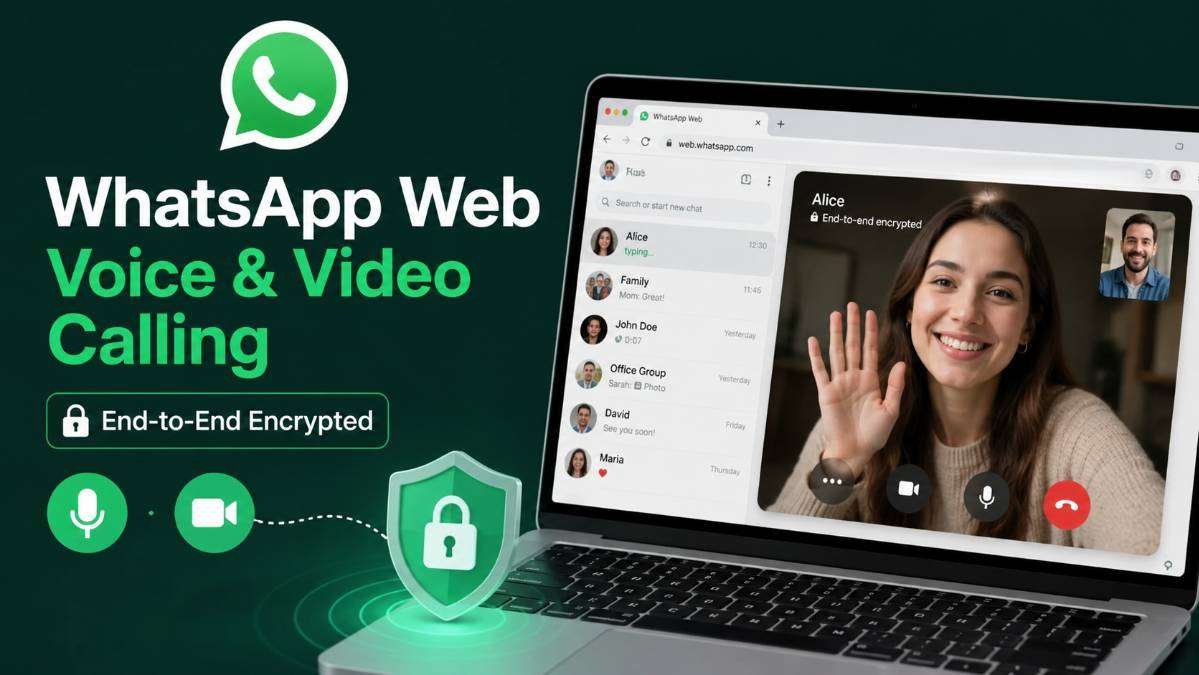
WhatsApp has officially expanded its calling capabilities by introducing voice and video calling directly on WhatsApp Web. The new feature allows users to make and receive encrypted calls through a supported web browser without installing the WhatsApp Desktop application.
The update is designed to provide a more convenient calling experience while maintaining the same end-to-end encryption that has protected WhatsApp messages and calls for years. With this rollout, users can now enjoy secure communication across mobile devices, desktop applications, and web browsers.
What Is the New WhatsApp Web Calling Feature?
Previously, WhatsApp users who wanted to make voice or video calls from a computer had to install the WhatsApp Desktop application. With the latest update, those restrictions are removed.
Users can now place and receive voice or video calls directly from WhatsApp Web using supported browsers such as Google Chrome, Microsoft Edge, Safari, and other Chromium-based browsers.
This makes it much easier for users who cannot install desktop software or who frequently switch between different computers.
READ THIS: Meta Apologises After PM Narendra Modi’s Facebook Video Removed by Mistake, Restores Content
End-to-End Encryption Remains the Same
One of the biggest misunderstandings circulating online is that WhatsApp has introduced end-to-end encryption for voice and video calls for the first time.
This is not correct.
Voice calls, video calls, messages, photos, videos, and documents have already been protected by end-to-end encryption on WhatsApp for many years.
The latest update simply extends the same trusted encryption technology to voice and video calls made through WhatsApp Web.
How End-to-End Encryption Works
End-to-end encryption means that only the sender and the intended recipient can read messages or hear conversations.
Even WhatsApp cannot access:
- Voice calls
- Video calls
- Personal messages
- Shared media
- Documents
All communication remains encrypted while travelling between devices, helping protect user privacy.
Key Features of the Update
- Voice calling directly on WhatsApp Web
- Video calling through supported browsers
- Receive incoming calls on WhatsApp Web
- No desktop application required
- Same end-to-end encryption available on mobile
- Simple browser-based calling experience
- Cross-platform communication
Supported Browsers
The feature is rolling out for modern browsers, including:
- Google Chrome
- Microsoft Edge
- Safari
- Other Chromium-based browsers
The rollout may happen gradually, so some users may receive the feature before others.
How to Make Calls on WhatsApp Web
- Open WhatsApp Web.
- Log in by scanning the QR code.
- Open an individual or group chat.
- Click the phone or video call icon.
- Allow microphone and camera permissions.
- Start your encrypted conversation.
READ THIS: Google Selfie Video Account Recovery New Security Feature
Benefits for Users
No Need to Install Software
Users can make calls directly from a browser without downloading the desktop application.
Greater Flexibility
The feature is useful for students, professionals, and office workers who often use shared or temporary computers.
Improved Convenience
Users can continue conversations without switching between devices.
Better Cross-Platform Experience
The same WhatsApp account now provides a more consistent experience across smartphones, desktop apps, and web browsers.
Privacy and Security
WhatsApp continues to use the Signal Protocol for end-to-end encryption, one of the most trusted encryption technologies available for secure communication.
This helps protect conversations from interception and ensures that only participants in a conversation can access its contents.
Common Misconceptions
Several social media posts claim WhatsApp has “added” end-to-end encryption to voice and video calls.
The correct information is that WhatsApp has expanded browser support for encrypted calling.
The encryption itself has been protecting WhatsApp calls and messages for years.
READ THIS: WhatsApp Status Caption Edit Feature How to Edit Status Captions Without Deleting the Status
Who Will Benefit Most?
- Remote workers
- Students
- Business users
- Frequent travelers
- Users without desktop applications installed
Conclusion
WhatsApp’s latest update brings encrypted voice and video calling directly to WhatsApp Web, making communication more convenient without compromising security.
Although some online posts suggest that end-to-end encryption is a new feature, WhatsApp has actually used this technology for years. The real improvement is that users can now enjoy the same secure calling experience directly from their web browser without installing the desktop application.
Frequently Asked Questions (FAQs)
1. Is WhatsApp Web voice calling officially available?
Yes. WhatsApp has officially introduced voice calling on WhatsApp Web.
2. Can I make video calls from WhatsApp Web?
Yes. Supported users can make and receive video calls directly through a web browser.
3. Are WhatsApp Web calls encrypted?
Yes. Voice and video calls on WhatsApp Web are protected with end-to-end encryption.
4. Does WhatsApp read or listen to my calls?
No. End-to-end encryption ensures that only participants in the conversation can access the content.
5. Do I need the WhatsApp Desktop application?
No. The new feature works directly through supported web browsers.
6. Which browsers support the feature?
Google Chrome, Microsoft Edge, Safari, and other Chromium-based browsers are supported as the rollout continues.
7. This feature available to everyone?
The rollout is gradual, so availability may vary depending on your account and region.
About The Author