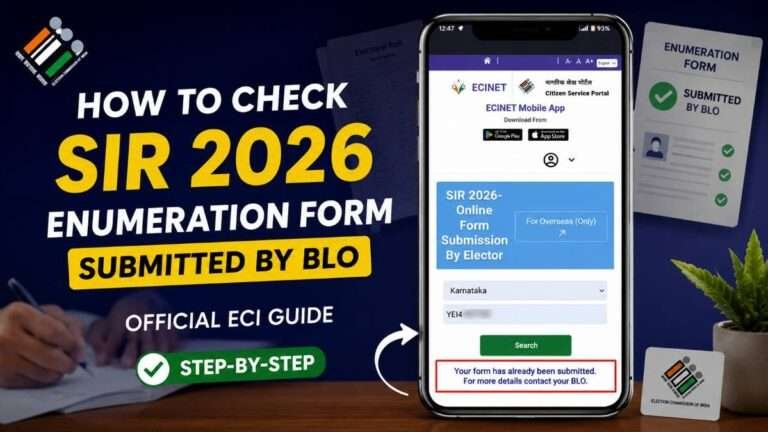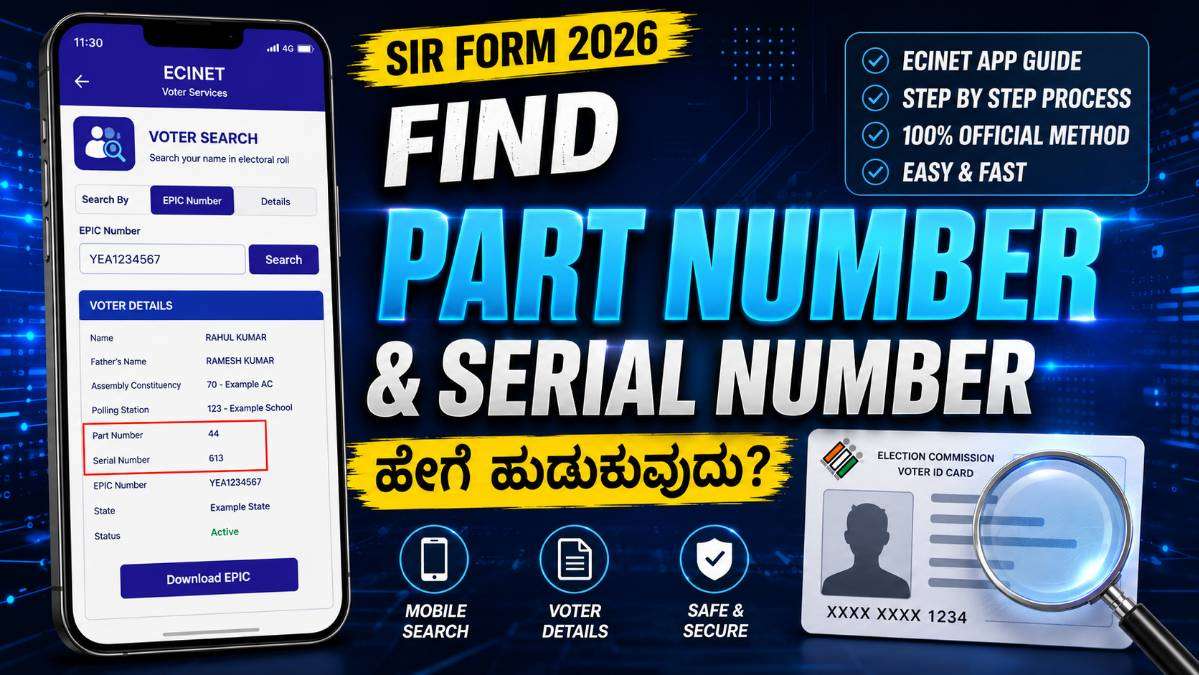
Submitting the SIR (Special Intensive Revision) Form correctly is an important step for eligible voters who need to update or verify their electoral records.
One of the most common challenges faced by applicants is finding the correct Part Number and Serial Number required during the form-filling process. Fortunately, the Election Commission of India has made this task much easier through the ECINET App.
In this article, we explain what Part Number and Serial Number are, why they are important, and how you can find them using the ECINET App in just a few minutes.
What Is the ECINET App?
ECINET (Election Commission Integrated Network) is the official mobile application developed by the Election Commission of India. It provides several voter-related services, including voter search, electoral roll information, polling station details, and other election-related facilities.
The application allows voters to search for their details using an EPIC (Voter ID) number or personal information, making it easier to access electoral information without visiting government offices.
READ THIS: Children Aadhaar Biometric Update Free Until September 30, 2026 Parents Must Know
Why Are Part Number and Serial Number Important?
The Part Number identifies the specific section of the electoral roll assigned to a polling station, while the Serial Number represents the voter’s position within that part of the electoral roll.
These details are often required while completing the SIR Form because they help election authorities accurately identify a voter’s existing record in the electoral database.
Entering the correct Part Number and Serial Number reduces the possibility of errors and helps speed up the verification process.
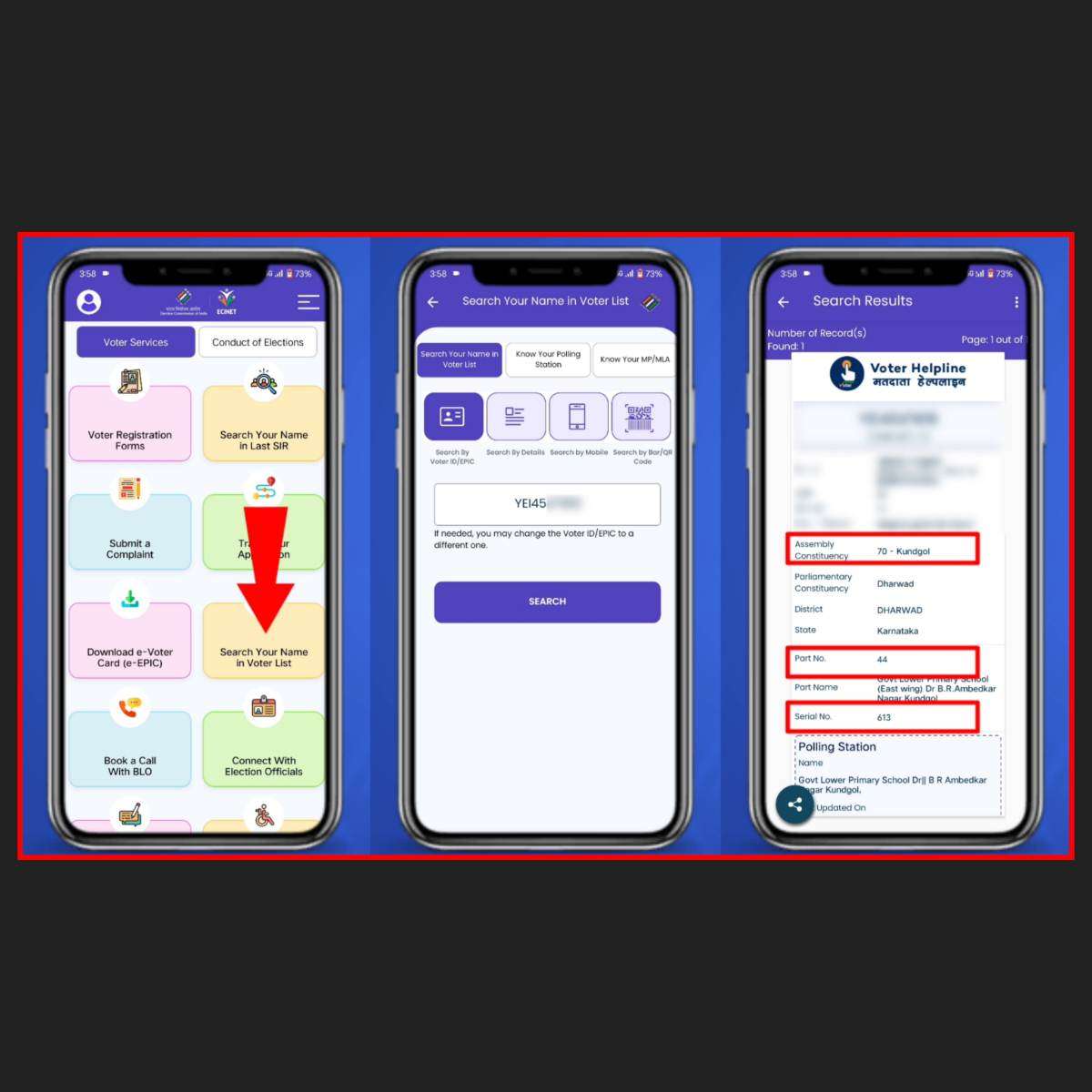
How to Find Part Number and Serial Number Using the ECINET App
- Download and install the official ECINET App from the authorized app store.
- Open the application and select the Voter Search option.
- Choose your preferred search method:
- Search using your EPIC (Voter ID) Number.
- Or search using your Name, Date of Birth, State, District, and Assembly Constituency.
- Enter the required information carefully.
- Tap the Search button.
- Your voter details will appear on the screen if your record is available.
- The result page displays important information including:
- Assembly Constituency
- Polling Station
- Part Number
- Serial Number
- Note these details carefully before filling your SIR Form.
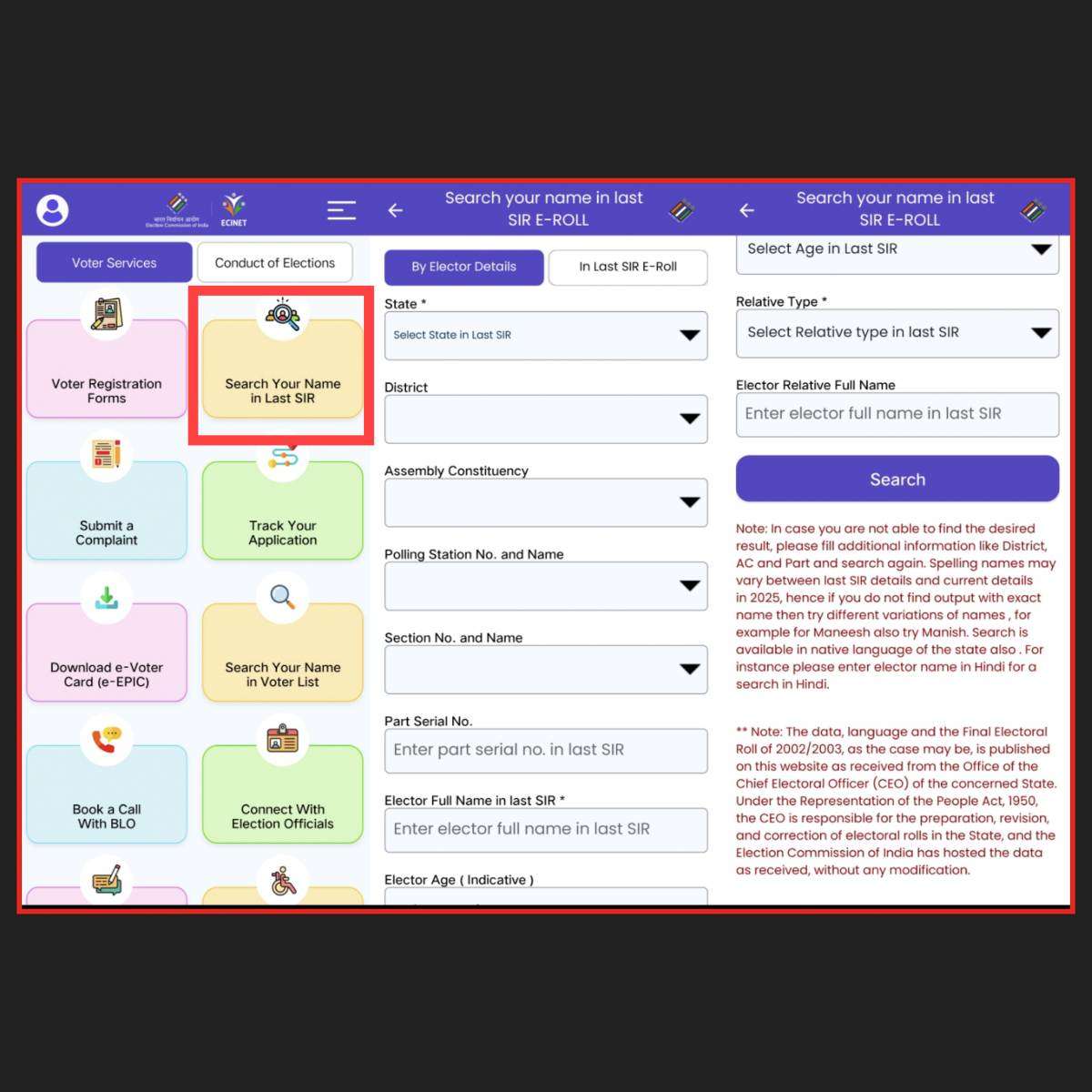
Can the Part Number Change?
Yes. Many people assume that the Part Number remains the same forever, but this is not always true.
Changes in polling stations, administrative boundaries, or electoral roll revisions may result in a different Part Number over time. Therefore, applicants should always verify their current voter details through official Election Commission platforms instead of relying on old records.
What If You Cannot Find Your Name?
If your voter information does not appear during the search, consider the following possibilities:
- Your search details may contain spelling mistakes.
- Your Assembly Constituency or district may have changed.
- Your voter record may require correction or updating.
- You may need to search using another method, such as your EPIC number.
If the problem continues, contact the local Electoral Registration Officer (ERO), Booth Level Officer (BLO), or the Election Commission for further assistance.
Important Tips While Filling the SIR Form
- Always use information available from official Election Commission sources.
- Double-check your EPIC number before searching.
- Verify your name, address, and constituency carefully.
- Keep screenshots or written notes of your Part Number and Serial Number for future reference.
- Do not depend on unofficial websites or social media posts for electoral information.
- If you notice any discrepancy, apply for correction through the prescribed Election Commission process.
Common Mistakes to Avoid
- Using an incorrect EPIC number.
- Selecting the wrong Assembly Constituency.
- Entering spelling mistakes in the applicant’s name.
- Confusing Part Number with Serial Number.
- Submitting the SIR Form without verifying voter details.
READ THIS: Aadhaar, Passport & Voter ID Proof of Indian Citizenship? Official Facts
Benefits of Using the ECINET App
- Quick voter search.
- Official Election Commission information.
- Easy access to electoral roll details.
- Accurate Part Number and Serial Number.
- Time-saving and user-friendly interface.
- Available anytime using your smartphone.
Conclusion
The ECINET App has made it much easier for voters to locate their Part Number and Serial Number while completing the SIR Form. Instead of visiting multiple offices or searching through lengthy electoral rolls manually, voters can quickly retrieve the required information using their smartphone.
Before submitting your SIR Form, always verify every detail carefully. Using official Election Commission resources helps reduce mistakes, ensures accurate voter verification, and contributes to a smoother electoral process.
Whether you are updating your voter information or submitting a new SIR Form, taking a few extra minutes to confirm your Part Number and Serial Number can save considerable time later during verification.
Disclaimer: This article is intended for informational and educational purposes only. Rules, procedures, and eligibility requirements related to the SIR Form and electoral rolls may change from time to time.
Readers should always verify the latest instructions through the official Election Commission of India and the concerned State Chief Electoral Officer before submitting any application.
About The Author