WhatsApp Status Caption Edit Feature How to Edit Status Captions Without Deleting the Status
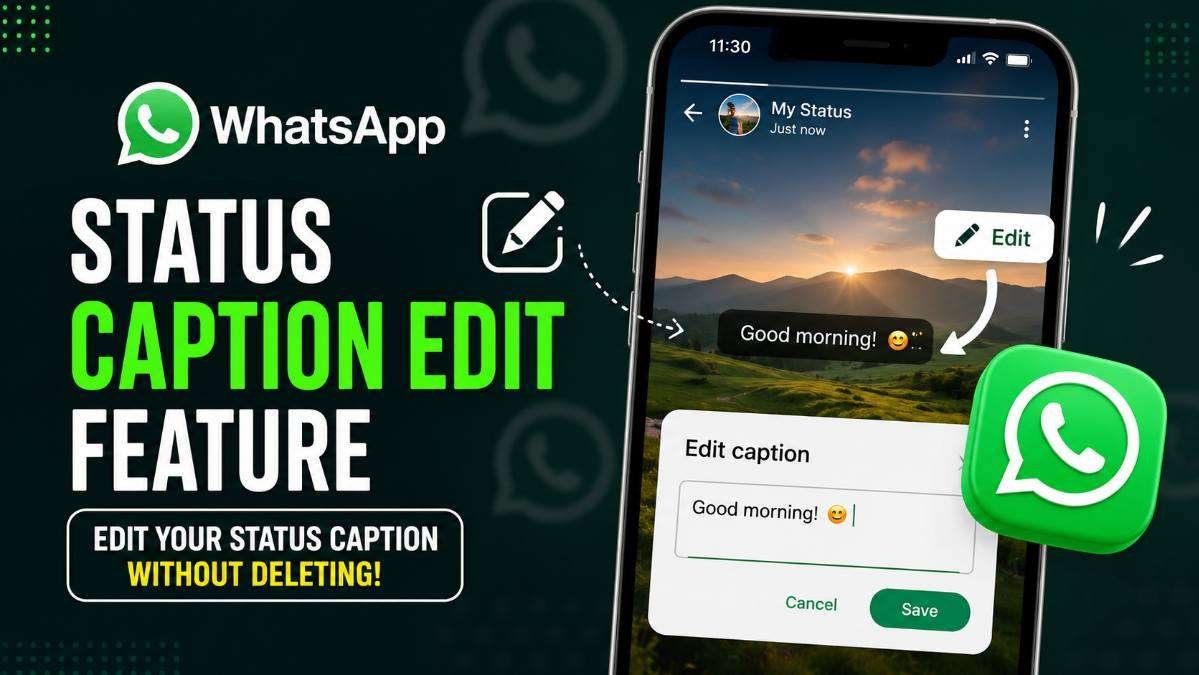
WhatsApp continues to improve the user experience by introducing new features that make communication more convenient. One of the latest additions is the ability to edit the caption of a WhatsApp Status after it has been posted.
This feature has started rolling out to eligible users in recent updates and is expected to reach more people gradually over the coming weeks. Until now, users who made a typing mistake or wanted to change the caption of a photo or video status had only one option delete the status and upload it again with the corrected text.
This was inconvenient, especially when the status had already been viewed by friends or family. With the new caption editing feature, WhatsApp is solving this long-standing problem.
What Is the New WhatsApp Status Caption Editing Feature?
The new Status Caption Editing feature allows users to modify the text caption attached to a photo or video status after it has already been shared. Instead of deleting the status and posting it again, users can simply edit the caption within the allowed time window.
This update makes WhatsApp Status more flexible and user-friendly. Whether you notice a spelling mistake, want to add more information, or simply change the wording, you can now do so without creating a new status.
READ THIS: Google Account Email Change Feature How to Change Your Gmail Address
Why This Feature Matters
Many WhatsApp users regularly post photos and videos through the Status feature. It is common to make small typing errors or realize later that the caption could have been written better. Previously, correcting these mistakes required deleting the entire status, which also removed existing views and reactions.
With the new editing option, users can quickly fix mistakes while keeping the original status active. This saves time and avoids unnecessary reposting.
How the Feature Works
Once the feature is available on your WhatsApp account, editing a status caption is expected to be simple.
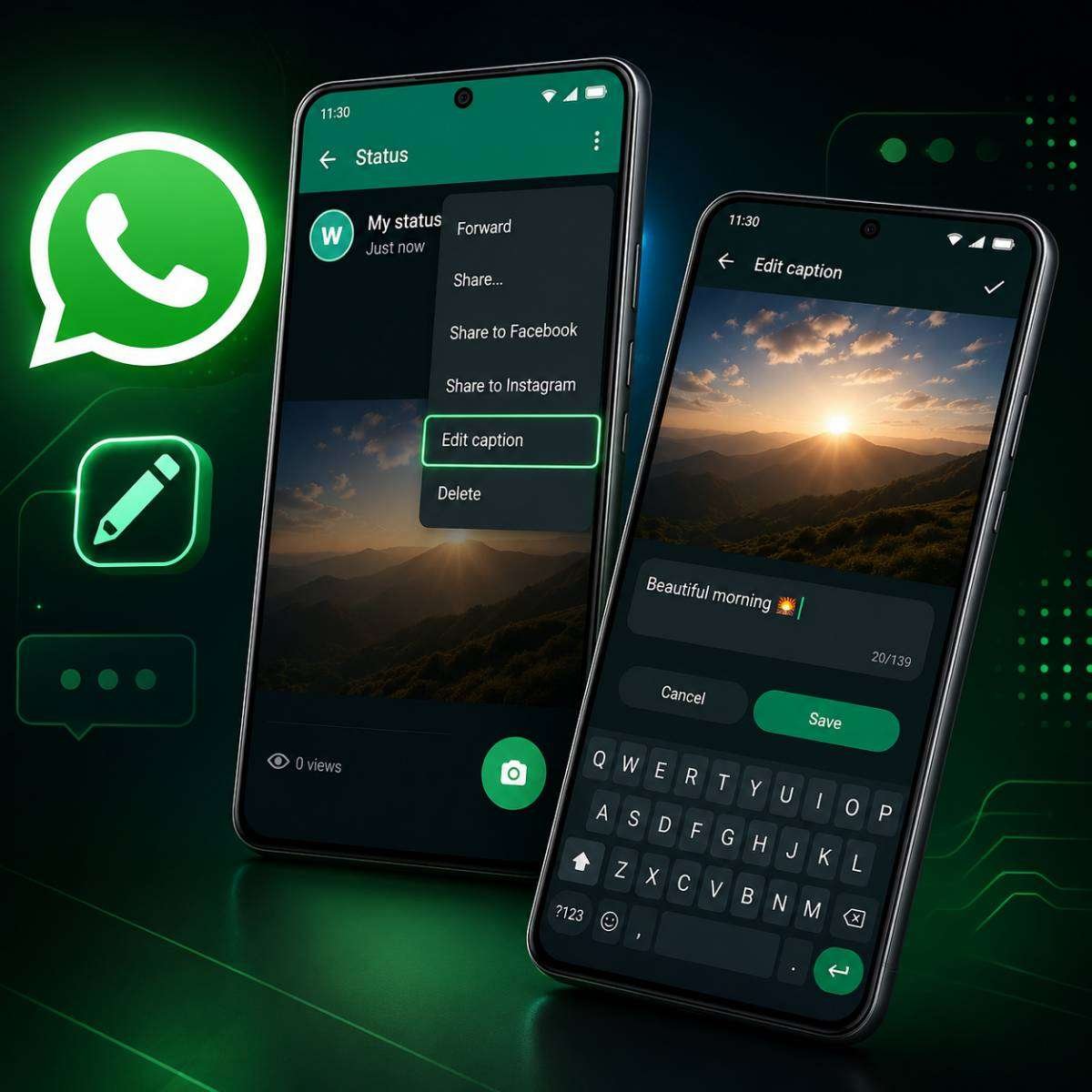
- Open WhatsApp and go to the Updates or Status tab.
- Open your posted photo or video status.
- Tap the three-dot menu available on the status.
- If the feature has been enabled for your account, you will see an Edit Caption option.
- Make the necessary changes and save them.
The updated caption will appear on the same status without requiring users to upload it again.
Who Will Receive the Feature?
Like many WhatsApp updates, the Status Caption Editing feature is being released in phases. This means that not every user will receive it on the same day.
Some users may already see the option, while others might have to wait until a future update. WhatsApp generally releases new features gradually to ensure stability before making them available worldwide.
READ THIS: Instagram Audio Replacement Feature How to Change Music After Publishing a Post Without Deleting It
Supported Devices
The feature is expected to work on both Android and iPhone devices after the required WhatsApp update becomes available. Users should ensure that they are using the latest version of WhatsApp downloaded from the Google Play Store or Apple App Store.
Benefits of Editing Status Captions
The new feature offers several practical advantages.
- Correct spelling and grammar mistakes.
- Update information without deleting the status.
- Save time by avoiding re-uploading photos and videos.
- Keep the original status views intact.
- Improve communication with clearer captions.
Although this appears to be a small update, it addresses one of the most common complaints among frequent WhatsApp Status users.
Will Everyone See the Edited Caption?
Once the caption has been edited successfully, people who view the status afterward will see the updated version. WhatsApp has not announced any public edit history for status captions, meaning viewers are expected to see only the latest version of the caption.
Things to Remember
- The feature may not be available immediately for every account.
- You may need to update WhatsApp to the latest version.
- Rollout depends on WhatsApp’s server-side release schedule.
- The editing option may be available only for a limited time after posting the status.
What If You Don’t See the Edit Option?
If you cannot find the Edit Caption option, there is no need to worry. Since WhatsApp releases features gradually, your account may receive it later.
You can try the following:
- Update WhatsApp from the official app store.
- Restart the application.
- Wait for future server-side activation.
- Avoid downloading unofficial or modified versions of WhatsApp.
READ THIS: Does Airplane Mode Charge Your Phone Faster? Official Google & Apple Battery Charging Guide
WhatsApp’s Focus on User Experience
Over the past few years, WhatsApp has introduced several useful improvements, including message editing, chat lock, multiple account support, improved calling features, enhanced privacy settings, and new Status tools. The addition of Status Caption Editing continues this trend by making everyday communication simpler and more convenient.
Small usability improvements often have a significant impact because millions of people use WhatsApp Status every day to share personal updates, business promotions, announcements, and important moments.
READ THIS: Call Forwarding Scam Explained How Fraudsters Trick Mobile Users & How to Stay Safe
Official Availability
Meta has confirmed that WhatsApp continues to expand its Status experience with new features. In addition, WhatsApp feature trackers have reported that Status Caption Editing has begun appearing for eligible users through recent application updates. Since the rollout is gradual, availability may differ from one account to another.
Conclusion
The new WhatsApp Status Caption Editing feature is a welcome improvement for users who frequently share photos and videos through Status.
Instead of deleting and reposting content because of a simple typing mistake, users can now edit the caption quickly and continue sharing without interruption. Although the feature is still being rolled out gradually, it is expected to become available to more users in upcoming updates.
If you do not see the option today, make sure your WhatsApp application is updated to the latest official version and keep checking future updates. As WhatsApp continues to improve its platform, features like Status Caption Editing demonstrate the company’s commitment to providing a smoother and more user-friendly messaging experience.
About The Author