Does Airplane Mode Charge Your Phone Faster? Official Google & Apple Battery Charging Guide
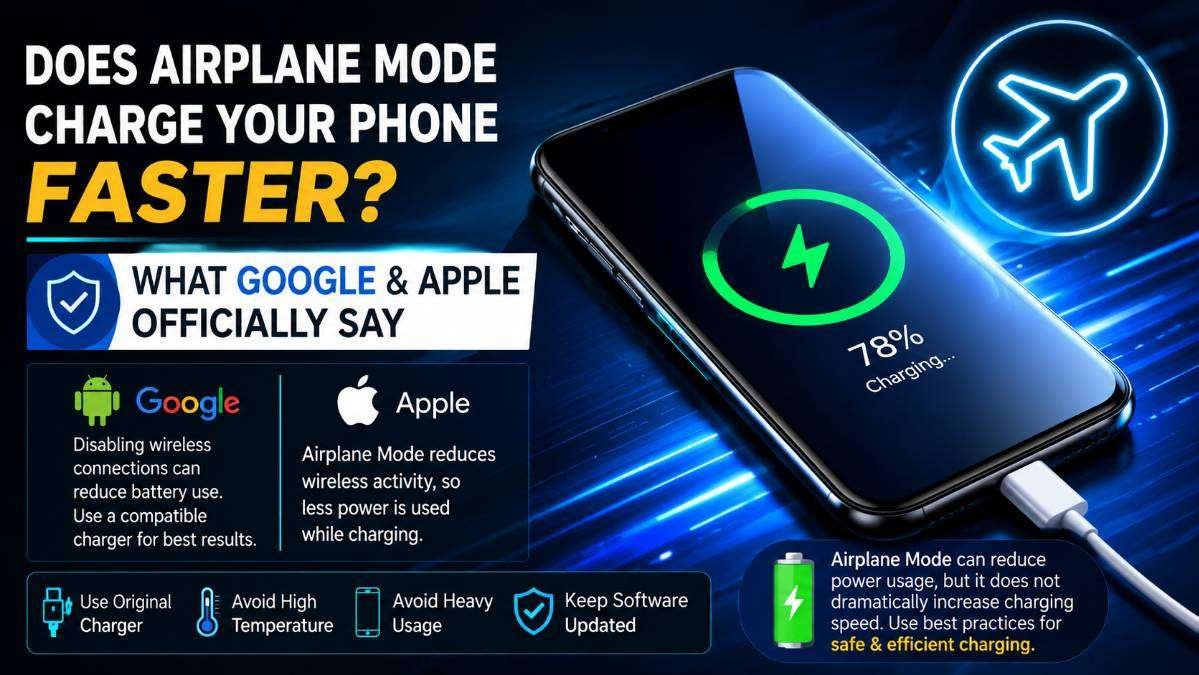
Many smartphone users are always looking for ways to charge their devices more quickly. One common suggestion is to switch the phone to Airplane Mode before plugging it in.
The idea behind this tip is simple: if the phone stops using mobile networks and other wireless connections, it should consume less power and therefore charge faster.
But is this recommendation actually supported by official information from smartphone manufacturers? To answer that question, it is important to look at what Google and Apple officially say about battery charging and battery performance rather than relying on internet rumors or unverified claims.
What Is Airplane Mode?
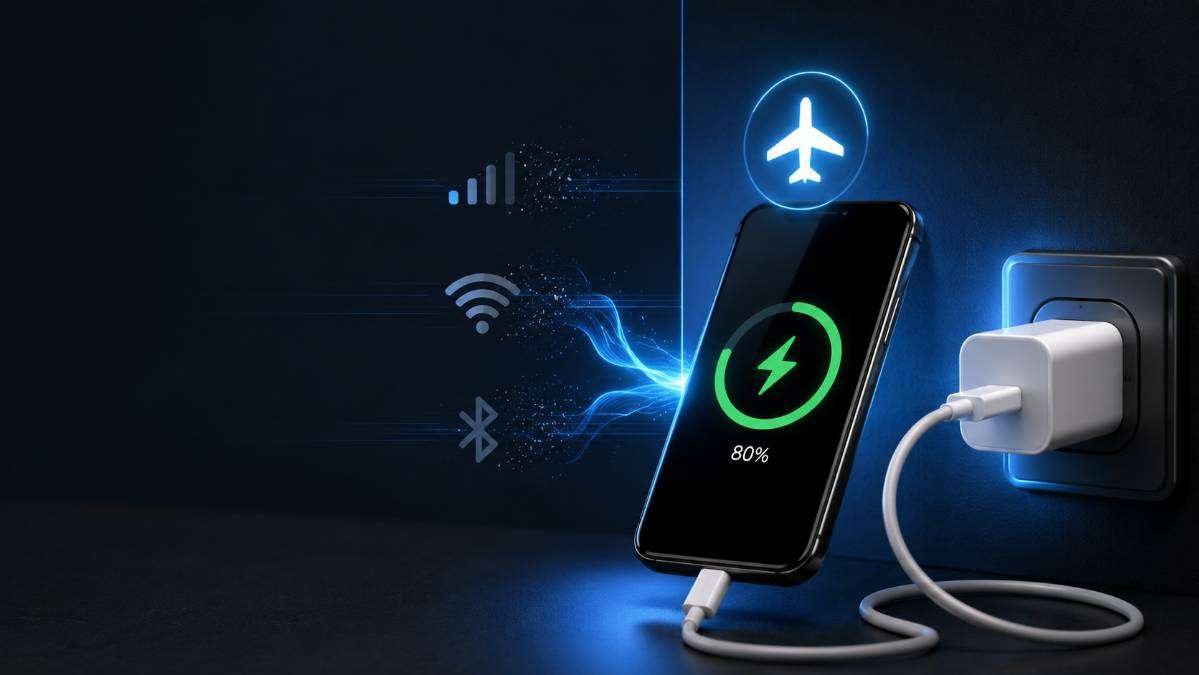
Airplane Mode is a built-in feature available on both Android smartphones and iPhones. When enabled, it turns off the phone’s wireless communication features, including cellular connectivity.
Depending on the device and settings, Wi-Fi and Bluetooth are also disabled, although users can manually turn them back on while Airplane Mode remains active.
The primary purpose of Airplane Mode is to prevent wireless signals from interfering with aircraft communication systems during flights. However, many users also enable it to save battery power or avoid interruptions.
AI Generated Image | RAAD WORLD
READ THIS: Google Account Email Change Feature How to Change Your Gmail Address
How Does a Smartphone Use Power While Charging?
A smartphone does not send all incoming power directly to the battery. Some of the electricity supplied by the charger is used to run the phone itself. If the screen is on, apps are running, notifications are arriving, or the device is actively searching for a mobile network, part of the charging power is consumed immediately instead of being stored in the battery.
This is why phones generally charge more slowly while they are being heavily used. Activities such as gaming, video streaming, navigation, or downloading files require additional power, leaving less energy available for charging the battery.
What Does Google Officially Say?
Google explains that wireless features such as mobile networks, Wi-Fi, Bluetooth and location services consume battery power during normal phone usage. Android also recommends reducing unnecessary battery usage when extending battery life.
Although Google does not officially state that Airplane Mode is a “fast charging trick,” disabling wireless connections reduces background power consumption. As a result, more of the charger’s power can be directed toward charging the battery instead of powering network-related activities.
Google also recommends using compatible chargers, avoiding extreme temperatures and keeping software updated for the best battery performance.
What Does Apple Officially Say?
Apple focuses its official battery guidance on maintaining battery health and ensuring efficient charging. According to Apple, batteries perform best within recommended temperature ranges and should be charged using certified charging accessories.
Apple does not claim that enabling Airplane Mode dramatically increases charging speed. However, since Airplane Mode reduces wireless activity, the phone consumes less energy while connected to a charger. This can allow slightly more charging power to reach the battery under certain conditions.
READ THIS: Call Forwarding Scam Explained How Fraudsters Trick Mobile Users & How to Stay Safe
Will Airplane Mode Charge Your Phone Much Faster?
Based on official guidance, the answer is no.
Neither Google nor Apple states that Airplane Mode significantly increases charging speed. There is no official recommendation saying users should enable Airplane Mode for a specific amount of time before charging.
Instead, the benefit comes from reduced power consumption. Since the phone performs fewer background tasks, less energy is wasted during charging. Depending on the device, battery condition and network strength, users may notice a small improvement in charging efficiency.
However, this improvement is usually modest rather than dramatic.
Why Network Signal Strength Matters
One situation where Airplane Mode may make a noticeable difference is when the phone is located in an area with weak cellular coverage.
When signal strength is poor, smartphones constantly search for stronger mobile towers. This process increases battery consumption. If Airplane Mode is enabled, the phone stops searching for a network, reducing unnecessary power usage.
In locations with strong network coverage, the difference may be much smaller because the phone is already using less energy to maintain its connection.
Other Factors That Affect Charging Speed
Charging speed depends on many factors besides Airplane Mode.
- Using the original charger or a certified fast charger.
- The charging capability supported by the smartphone.
- The charging cable quality.
- Battery temperature.
- Battery health.
- Software optimization.
- Background applications.
- Screen brightness and screen usage.
Even if Airplane Mode is enabled, an incompatible charger or damaged cable can still result in slow charging.
Official Ways to Improve Charging Performance
Google and Apple both recommend several practical steps that help ensure efficient charging.
- Use the original or manufacturer-approved charger.
- Keep the phone at a comfortable temperature.
- Avoid heavy gaming or video streaming while charging.
- Keep the device software updated.
- Use certified charging accessories.
- Allow the phone to charge without unnecessary background activity.
These recommendations are officially supported and are more reliable than internet tricks or shortcuts.
Does Turning Off the Screen Help?
Yes. The display is one of the largest consumers of battery power. When the screen remains off during charging, the phone requires less energy for normal operation. Combined with reduced background activity, this allows a greater portion of charging power to reach the battery.
This does not mean charging becomes dramatically faster, but it helps improve charging efficiency.
Should You Always Use Airplane Mode While Charging?
There is no official recommendation from Google or Apple requiring users to enable Airplane Mode every time they charge their phones.
If you need to receive calls, messages or internet notifications, keeping the phone in normal mode is perfectly acceptable. Modern smartphones are designed to charge safely while remaining connected to mobile networks.
If you do not need network connectivity during charging, enabling Airplane Mode may slightly reduce power consumption, particularly in areas with weak cellular signals.
Conclusion
Official information from Google and Apple shows that Airplane Mode is not a guaranteed fast-charging feature. Neither company claims that switching on Airplane Mode dramatically increases charging speed or recommends waiting for a specific amount of time before charging.
The practical benefit comes from lower power consumption. By reducing wireless communication and background activity, the phone uses less energy while connected to a charger. This can allow somewhat more charging power to reach the battery, but the improvement is generally small and depends on several factors.
For the best charging experience, users should rely on official recommendations such as using compatible charging accessories, keeping the device at a suitable temperature, avoiding intensive usage while charging and maintaining updated software. These practices are supported by both Google and Apple and remain the most reliable ways to ensure safe and efficient battery charging.
Official References
- Google Android Help – Battery and charging: https://support.google.com/android/
- Google Android – Battery tips: https://www.android.com/
- Apple Support – Batteries: https://www.apple.com/batteries/
- Apple Support – Maximizing Battery Performance: https://support.apple.com/
About The Author